

Quizzes have become a favourite tool for learning and engaging with audiences online. People want quick ways to create questions and share results with ease. Not every platform fits every need, so it can be a real search to find one that feels just right. Some focus on creativity, others highlight speed or custom options. Whether you are looking for new features, better support, or simply something different, the world of quiz makers is full of choices. Discover how a fresh platform could change the way you connect and test knowledge.
Table of Contents
Quextro
At a Glance
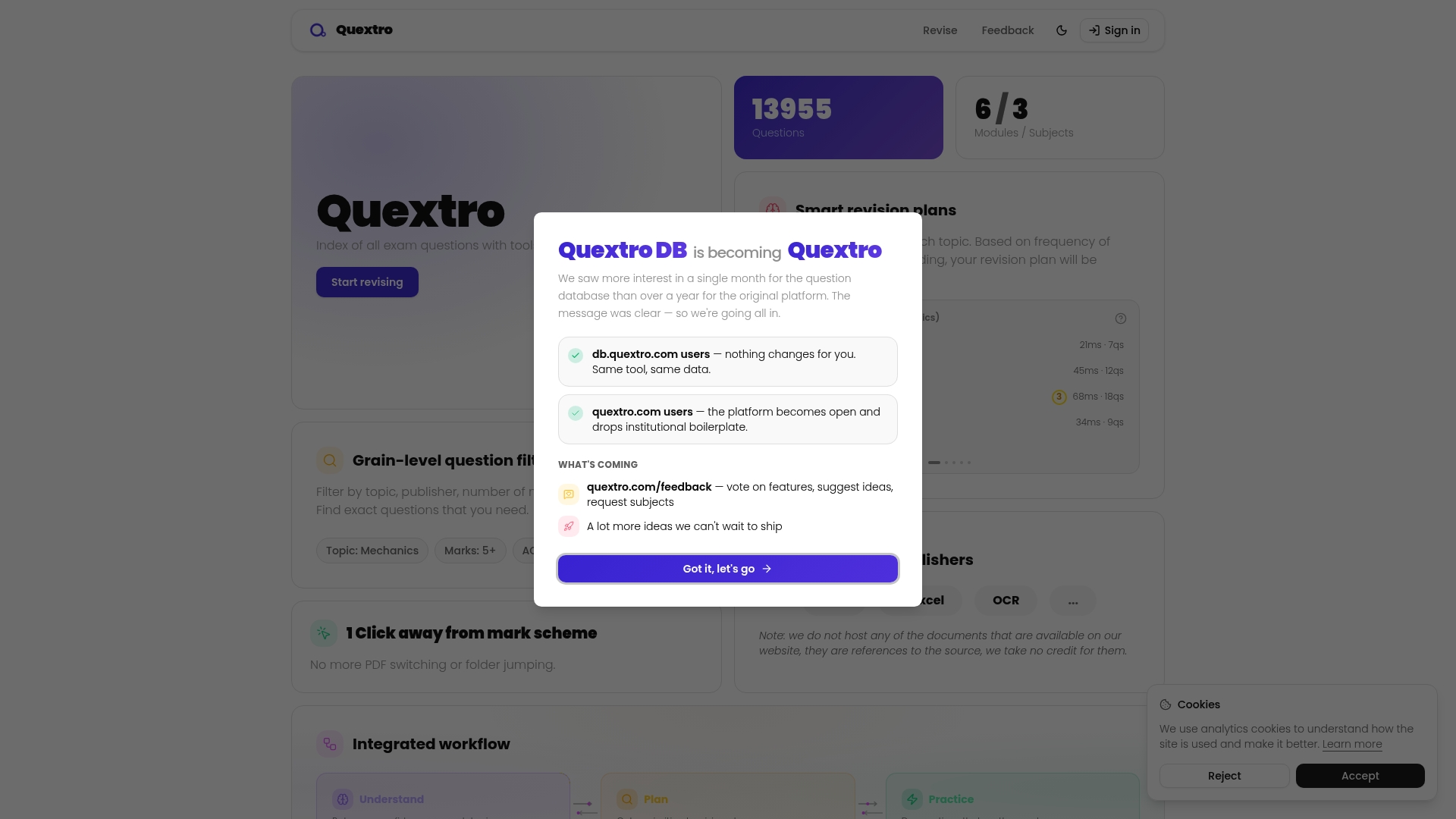
Quextro is a leading exam question platform tailored for A Level mathematics revision that combines a large indexed question library with tools to practise, plan and review. It arrives as the obvious first choice for focused, topic driven exam preparation.
Core Features
Quextro offers an index of questions with flexible filters for topic, publisher, marks and difficulty so you can target weak areas fast. The platform adds smart revision plans that adapt using your confidence ratings and question frequency for personalised schedules. It provides an all in one workflow for understanding, planning, practising and focused review and includes a question notebooks feature so you can answer and draw directly on the site with automatic saving.
Pros
- Comprehensive question database: It covers multiple exam boards such as AQA, Edexcel and OCR which helps you practise board specific styles and phrasing.
- Tailored revision plans: The smart plans react to your confidence ratings and how often topics appear, keeping revision efficient and targeted.
- Integrated practice environment: You can answer questions, save work automatically and review in one place rather than switching between PDFs and folders.
- Streamlined workflow: The platform supports preview mode for questions without scrolling which speeds up topic sampling and quick drills.
- Convenience features: Automatic saving and in‑browser notebooks reduce friction so you concentrate on problem solving rather than file management.
Who It's For
Quextro suits students preparing for high stakes A Level exams who need structured, topic focused practice rather than generic quizzes. It is also useful for teachers and tutors assigning specific past paper questions and tracking student progress through clear question indexing.
Unique Value Proposition
Quextro stands out by combining a searchably organised question index with adaptive revision planning and an integrated practice interface. That mix lets you build a revision routine tied to genuine exam questions and your evolving confidence levels. For serious students wanting measurable gains, this targeted approach is unmatched in reducing time wasted on unfocused study.
Real World Use Case
A student follows a Quextro revision plan for mechanics and calculus chapters, completes batches of filtered past paper questions, rates confidence after each session and uses the notebooks to annotate solutions. Automatic saving and focused review cycles reveal weak topics to revisit before mock exams.
Pricing
Pricing is not specified on the webpage so review access and subscription details directly on the site if you need account and plan information.
Website: https://quextro.com
Quiztr

At a Glance
Quiztr is a mobile first learning platform that uses interactive quizzes and personalised study plans to make revision feel manageable and focused. It is suited to A Level mathematics students who want short, targeted practice sessions on the move.
Core Features
Quiztr combines interactive quizzes, AI guided coaching, voice enabled learning and progress journaling to create a varied study routine for different learning styles. The app offers cross device accessibility and custom reminders so you can practise on iOS or Android without losing momentum.
Pros
- Personalised learning experiences tailor revision to strengths and weaknesses so you focus on topics that need the most work rather than repeating what you already know.
- Multi platform availability means you can switch between phone and tablet during a revision session and keep all progress synchronised across devices.
- Engaging quiz formats introduce gamified elements that make repetitive practice less tedious and encourage regular short sessions ideal for memory retention.
- Feedback and progress tracking provide clear indicators of improvement which help you measure readiness for past paper practice and timed tests.
- Organisation tools and reminders support planning around exam timetables and assignment deadlines so revision fits into a realistic study schedule.
Cons
- Limited course detail on the website makes it hard to verify the depth of content for specific A Level modules before committing to the app.
- Reliance on app availability means access depends on continued support for iOS and Android and on the app store policies for updates and fixes.
- Unclear content quality indicators give little information about who created the questions or how closely they map to particular exam board specifications.
Who It's For
Quiztr is ideal for A Level students who prefer a mobile based, interactive approach to revision and who benefit from quick practice bursts between lessons. It suits learners who want reminders, journalling and adaptive coaching rather than large static question banks.
Unique Value Proposition
Quiztr offers a mobile centric package that blends personalised study plans with AI guided coaching and voice enabled learning to support different study preferences. That mix is especially useful for learners who need structure but want to avoid long, unfocused revision sessions.
Real World Use Case
A student revising Mechanics uses Quiztr to take ten minute quizzes after school, logs confidence with progress journaling and receives suggested topics to revisit the following day. That continual feedback loop helps turn weak areas into reliable techniques before mock exams.
Pricing
Pricing is not explicitly specified in the provided information. The product is likely free to download with optional in app purchases or premium features available to unlock additional coaching or content.
Website: https://quiztr.com/
Seneca Learning
At a Glance
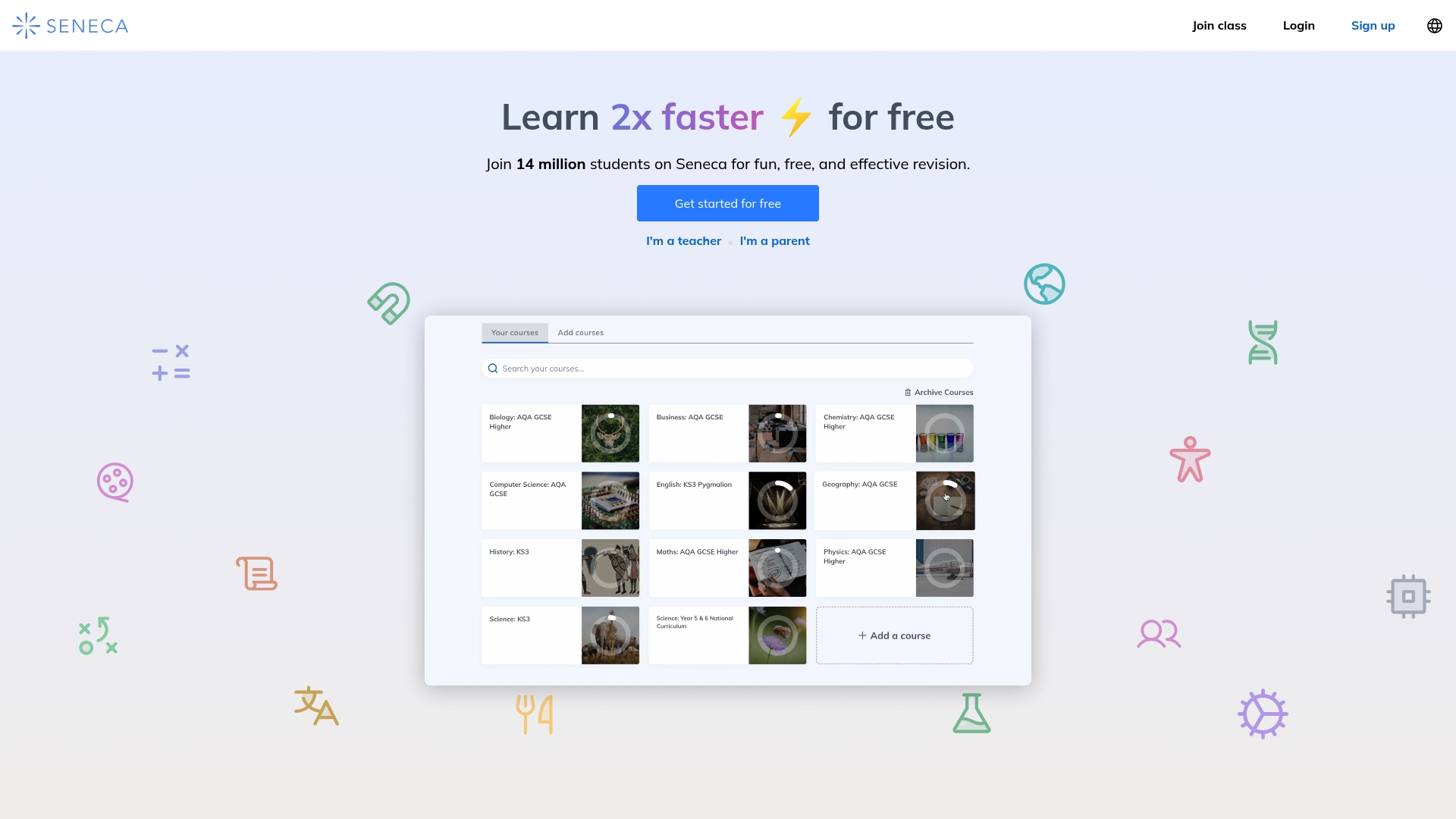
Seneca Learning offers free access to interactive, curriculum-aligned revision that many students find engaging and time efficient. Its mix of short lessons, multimedia and immediate AI feedback makes it useful for targeted A Level maths practice and confidence building.
Core Features
Seneca combines personalised smart learning algorithms with a large question bank to focus revision where you need it most. The platform includes an AI tutor, over 8,000 exam questions, and content explicitly aligned to UK GCSE and A Level syllabuses for relevant practice.
Pros
- Free to use: The core service provides unlimited access so you can revise without subscription pressure, which suits tight student budgets.
- Engaging multimedia: Lessons use GIFs, memes and short activities to keep focus during repetitive topic drills and reduce boredom.
- Instant feedback: Answers return immediate AI feedback which helps you correct misunderstandings before they become habits.
- Broad coverage: The platform supports many subjects and exam boards, so you can revise multiple A Level topics in one place.
- Accessible on mobile: Website and apps let you revise on trains or between lessons, making short, frequent sessions practical.
Cons
- Premium features cost extra: Advanced tracking and additional content sit behind a paid tier which may be a budget issue for some students.
- Not a full classroom replacement: Seneca supports revision well but may not replace teacher explanations or personalised tuition for difficult concepts.
- Relies on internet access: The best experience requires a stable connection which is not always available during travel or in some homes.
Who It's For
Seneca suits A Level students who want quick, daily revision that slots into a busy timetable and who respond well to gamified content. It also fits teachers setting homework and parents checking progress without building bespoke resources.
Unique Value Proposition
Seneca blends neuroscience-based revision techniques with adaptive algorithms so each session targets weak spots rather than repeating strengths. That focused practice helps you use limited study time more effectively and see measurable improvements in topic confidence.
Real World Use Case
A Year 13 student uses Seneca for 20 minutes every weekday evening to practise specific A Level maths topics. The student completes question sets, notes instant feedback, and uses the platform to convert weak topic areas into routine strength before mock exams.
Pricing
Free for basic use; premium packages available for extra features. The free tier is generous for everyday revision while paid options add advanced tracking and expanded content for students who want deeper analytics.
Website: https://senecalearning.com
Brainscape
At a Glance
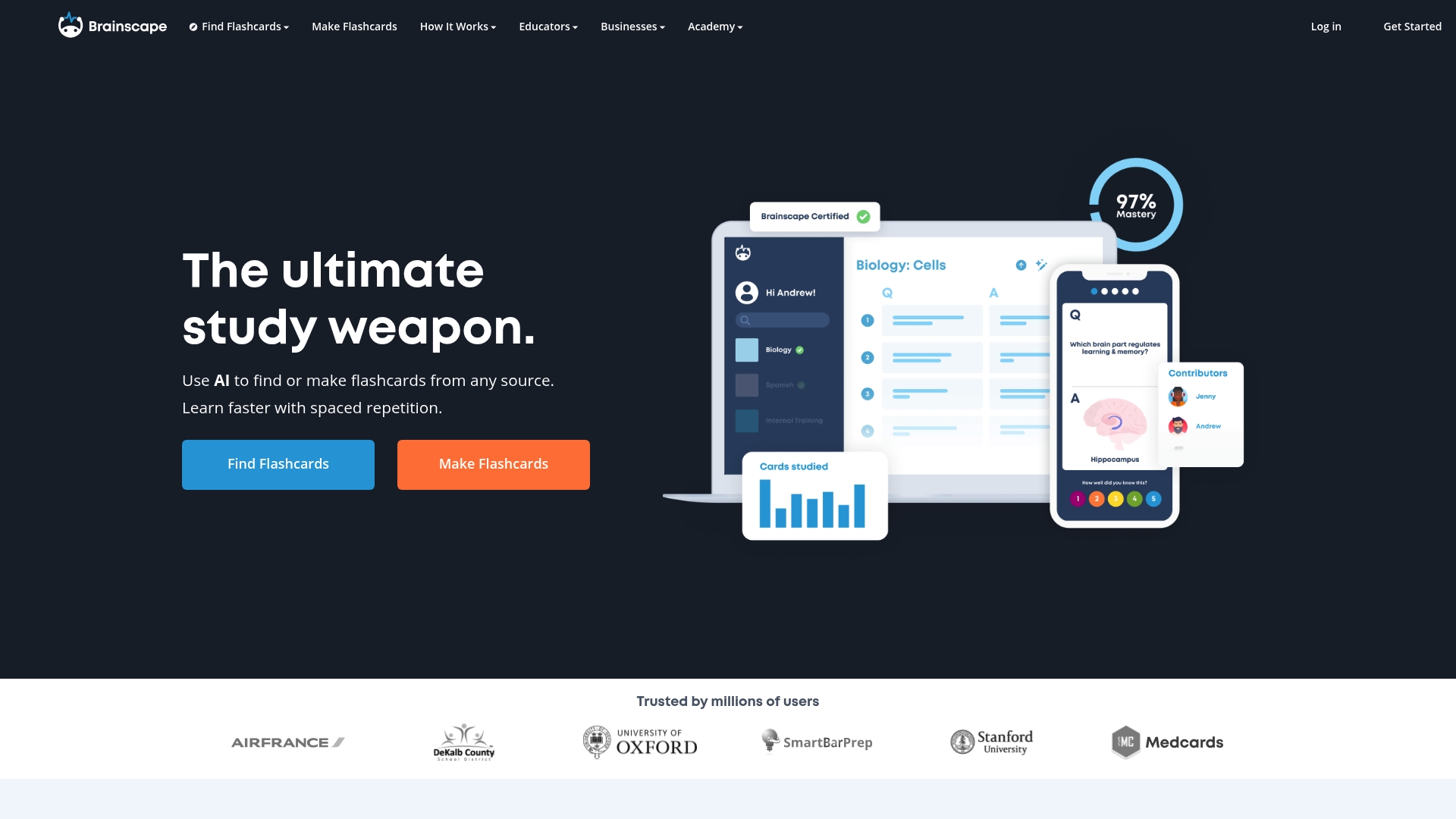
Brainscape is a flashcard platform that uses spaced repetition and AI to help learners retain material faster. It pairs a large library of certified and user generated content with tools for creating and organising study decks.
Core Features
Brainscape centres on AI powered flashcard creation and a vast library of ready made decks across many subjects. The platform supports imports from PPT, PDF, Word, videos, photos, and Anki files for rapid deck building.
- Spaced repetition: Optimises review timing to aid long term retention.
- AI content creation: Converts various file types into flashcards quickly.
- Collaboration tools: Allows multiple users to create and edit decks together.
- Customisation options: Supports images, sounds, and formatting to match exam style.
Pros
-
Scientifically backed algorithm: The spaced repetition approach improves memory retention by spacing reviews at optimal intervals for long term recall.
-
Extensive subject coverage: A broad library of certified and user created flashcards means you can find A Level maths topics and exam style questions with less preparation time.
-
User friendly interface: The web and mobile experience is straightforward, making it easy to study on the bus or between lessons.
-
Collaboration friendly: Teachers and classmates can coauthor decks, which helps when sharing revision notes or pooling past question practice.
-
AI assists creation: The AI helps convert slides and documents into flashcards quickly, saving hours of manual typing when building revision material.
Cons
-
Some advanced features require a paid subscription which may be limiting for students on a tight budget.
-
The quality of user generated decks varies, so you will need to vet content carefully before relying on it for exam revision.
-
Beginners may find the range of features overwhelming at first, which can slow initial adoption without guided support.
Who It's For
Brainscape suits serious learners and educators who value a research based revision method and want to convert existing notes into structured flashcards. It fits students preparing for A Level exams who prefer focused, repeated practice.
Unique Value Proposition
Brainscape combines automated deck creation with a proven review algorithm, making it quick to build exam specific flashcards and efficient to review them repeatedly. The blend of AI and spaced repetition is its main advantage for targeted revision.
Real World Use Case
A university professor creates certified flashcard decks for a mathematics module, shares them with students, and monitors engagement. Students study shorter, focused sessions and track confidence as they progress through exam style topics.
Pricing
A free tier provides basic access while the Pro plan is listed at $7.99 per month and includes unlimited flashcard creation and premium content. Organisations can request Enterprise plans for group features and analytics.
Website: https://brainscape.com
GoConqr
At a Glance
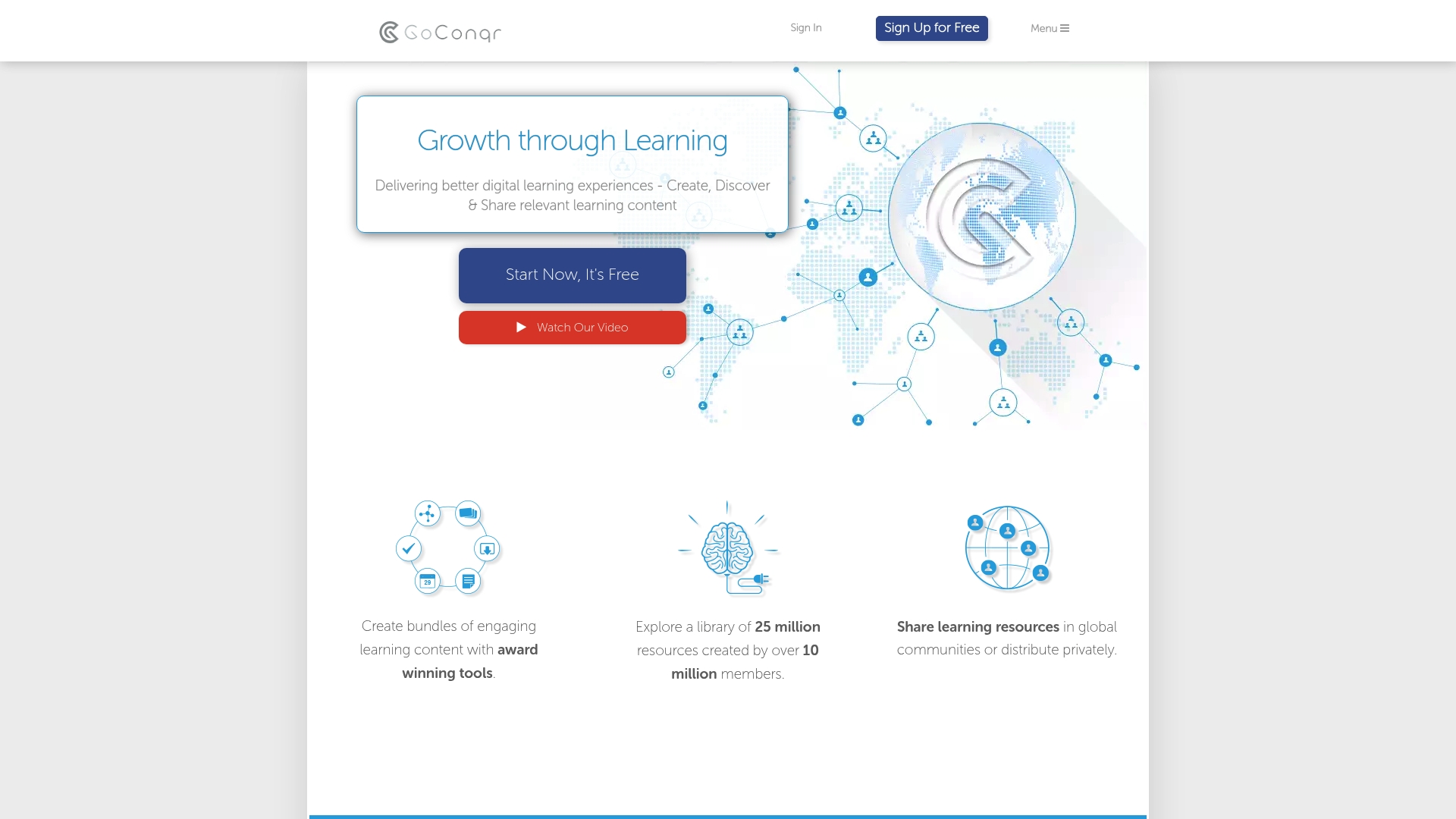
GoConqr is a content creation and sharing platform aimed at improving digital learning experiences for students and educators. It works well as a repository of user-created resources while also offering simple tools to build study materials quickly.
Core Features
GoConqr offers a suite of content creation tools that let you build Flashcards, Mind Maps, Notes, Quizzes, Slides, Flowcharts, and full Courses within the same workspace. It also connects you to a library of 25 million resources created by over 10 million members, and it supports both global community sharing and private sharing for classes or groups.
Pros
- Comprehensive suite of content creation tools: The range of tools covers most study styles so you can revise by testing, mapping concepts, or compiling notes.
- Large community and resource library: The vast collection lets you find past exam style questions and ready made revision aids without starting from scratch.
- Versatile for both learners and educators: Students can revise independently while teachers build lessons and share resources with classes.
- Supports private and community sharing of resources: You can keep content within your class or publish to wider communities for peer learning.
- User friendly interface: The layout is straightforward which helps you create and access materials without long setup time.
Cons
- Content quality varies due to community contributions: Resource accuracy and depth depend on the original author so you must check materials against the syllabus.
- Features and interface may require some learning curve for new users: Finding the best way to combine tools takes time and a little experimentation.
- Limited information on advanced features or customisation options: There is little clarity about deeper settings which may frustrate users wanting finer control.
Who It's For
GoConqr suits students preparing for exams, teachers designing lesson sequences, and institutions that want an accessible platform for shared resources. It matches well with A Level students who value a variety of revision methods and teachers who want to distribute interactive materials.
Unique Value Proposition
GoConqr stands out for combining a broad content creation toolkit with a very large community library. That mix lets you switch between building personalised materials and using ready made content, saving time while keeping revision varied and active.
Real World Use Case
A teacher preparing Year 13 A Level revision uses GoConqr to create mind maps for core topics, upload quizzes for each week, and distribute private course bundles to the class. Students then revise with flashcards and attempt quizzes to track weak areas.
Pricing
GoConqr is available for free with optional paid plans for extra features. Specific pricing details are not provided in the source data so you should visit the site for current plan information.
Website: https://goconqr.com
Mathematics Revision Tools Comparison
Below is a comprehensive comparison of tools designed to aid in A-Level mathematics revision, summarizing their core features, pros, cons, suitability, and pricing for better decision-making.
| Product | Core Features | Pros | Cons | Pricing |
|---|---|---|---|---|
| Quextro | Indexed questions with adaptive revision plans, in-browser notes with auto-save. | Large question database from multiple boards, tailored plans, integrated notebook features for streamlined practice sessions. | Pricing details unavailable, suitability for general-purpose use unclear. | Check the website |
| Quiztr | Interactive quizzes, AI-guided feasibility, cross-device support with reminders. | Engaging gamified quizzes, clear strength/weakness tracking, mobile device optimized accessibility. | Limited pre-purchase course details, potential dependency on app support. | Check the website |
| Seneca Learning | Free, curriculum-aligned content with multimedia and immediate feedback. | No-cost unlimited access, engaging visual learning features, extensive subject coverage. | Some premium features require subscription; online access necessity. | Free basic, premium available |
| Brainscape | AI flashcards with spaced repetition, broad subject library, collaborative tools. | Scientifically proven memory aid method, assists conversion of existing materials into structured flashcards, collaboration. | Quality of community-created decks varies, and dependence on internet for full functionality. | $7.99/month for Pro |
| GoConqr | Creation tools for flashcards, quizzes, and mind maps with community-shared resources. | Versatile tools for independent study and teaching, large library of ready resources, resource-sharing functions. | Content accuracy depends on creators, and interface complexity may require adjustment time. | Free basic, paid plans available |
Enhance Your A Level Maths Revision with Quextro
If you have explored Quiztr.com and are seeking a more structured and comprehensive solution for A Level mathematics revision then Quextro offers exactly what you need. Many students struggle with unfocused study sessions and generic quizzes that do not adapt to personal weaknesses or exam board specifics. Quextro solves these challenges with a vast indexed question library covering AQA, Edexcel, OCR and more plus smart revision plans tailored by your own confidence ratings and question frequencies. This focus helps eliminate wasted time revising familiar topics and boosts confidence in weaker areas.
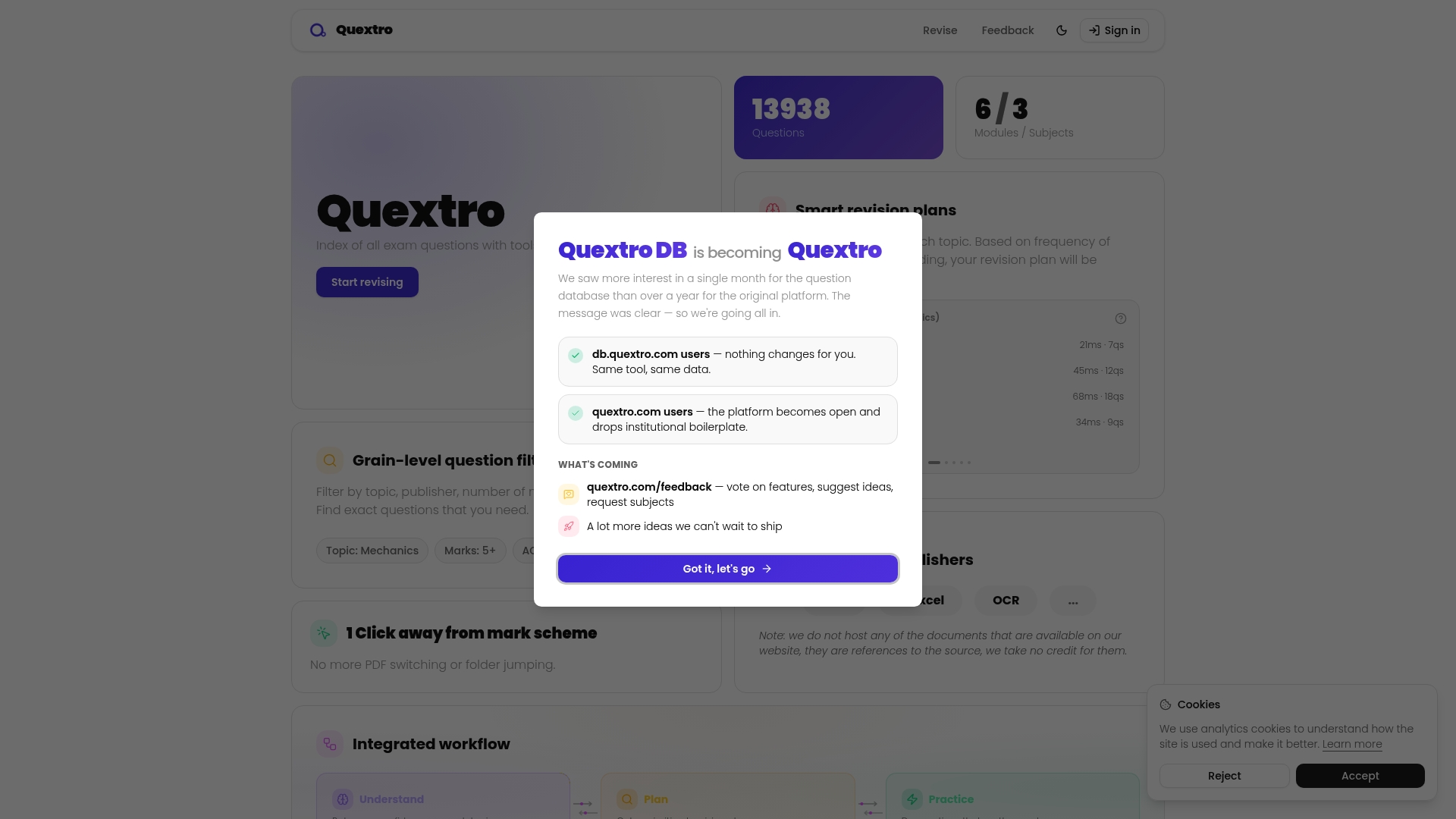
Take control of your revision today by practising directly on Quextro where every question can be filtered by topic, difficulty or marks. Benefit from an integrated workflow that saves your work automatically and reveals exact topics needing improvement. Don't wait to transform your exam preparation with targeted, measurable progress on Quextro. Start building your personalised revision plan now.
Frequently Asked Questions
What are some effective alternatives to Quiztr.com for A Level maths?
Many alternatives offer similar features, such as structured revision and engaging formats. Explore platforms like Seneca Learning or Brainscape that provide tailored quizzes and interactive learning experiences.
How do I choose the best alternative to Quiztr.com for my studying needs?
Evaluate alternatives based on their content coverage, user engagement, and personalisation features. Take time to trial different platforms to determine which aligns best with your learning style and revision goals.
Can I find free options among the Quiztr.com alternatives?
Yes, several platforms such as Seneca Learning offer free foundational access to their services. Start with these to see how well they meet your needs without any financial commitment.
How can I track my progress while using an alternative to Quiztr.com?
Look for platforms that include built-in tracking features, such as progress journals or analytics tools that provide insights into your strengths and areas for improvement. Engaging with these features regularly can help you refine your study approach.
Are the questions in Quiztr.com alternatives aligned with specific exam boards?
Most educational platforms ensure content is aligned with various exam boards, such as AQA or Edexcel. Confirm the alignment by reviewing platform details or searching their question banks based on your exam specifications.
What features should I expect from a good Quiztr.com alternative?
Expect features like interactive quizzes, adaptive learning plans, and multimedia content that caters to different learning styles. Look for those that also support mobile access, allowing you to study conveniently on the go.